Saved Connections
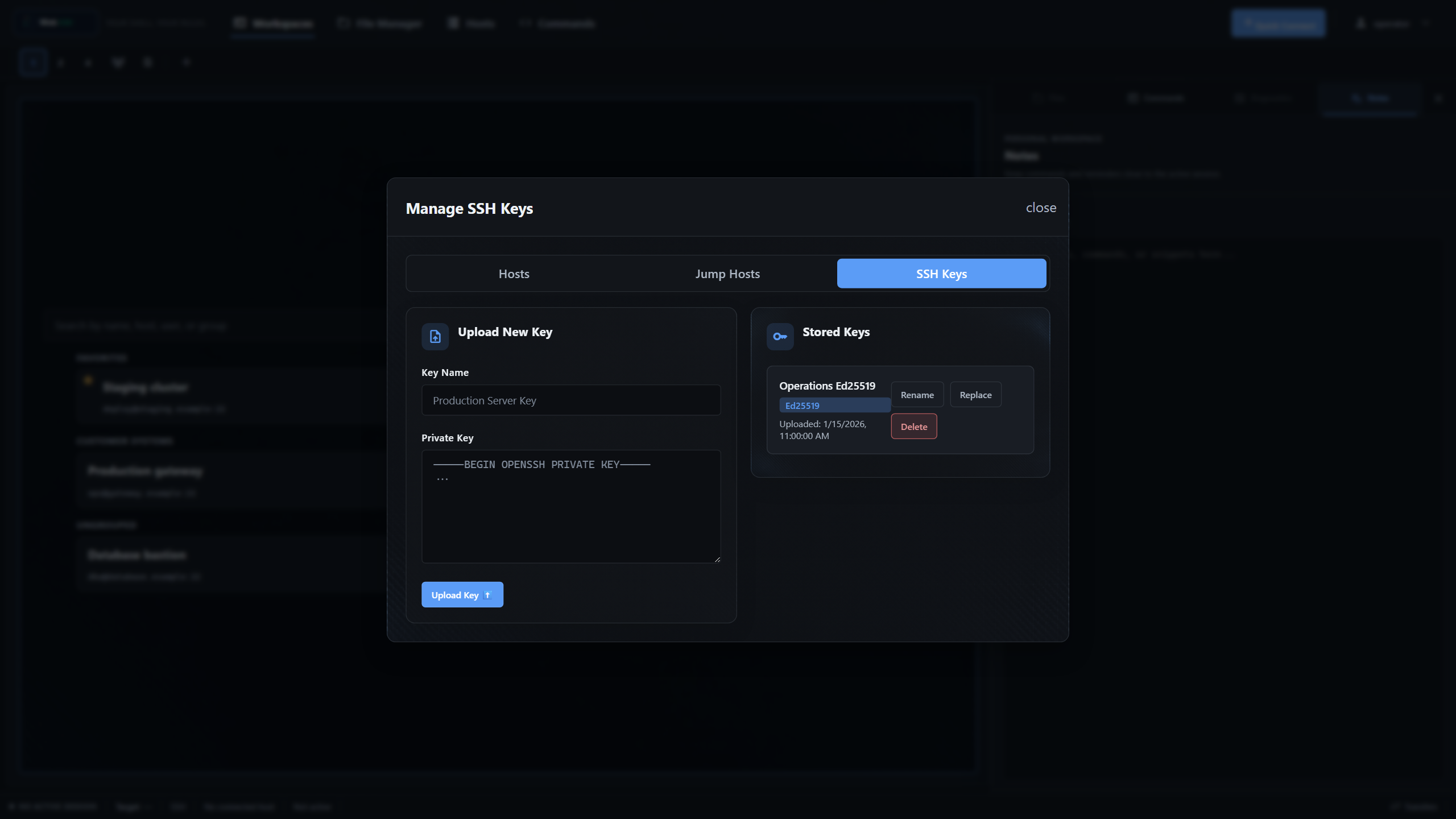
Keep hosts, usernames, authentication choices, jump hosts, and optional post-connect commands ready for the next session.
Self-hosted SSH + SFTP
WebSSH brings terminal sessions, file transfers, saved connections, and team access into one secure workspace you run yourself.
Current capabilities
Connect, move files, organize repeat work, and give each user their own secure environment.
Keep hosts, usernames, authentication choices, jump hosts, and optional post-connect commands ready for the next session.
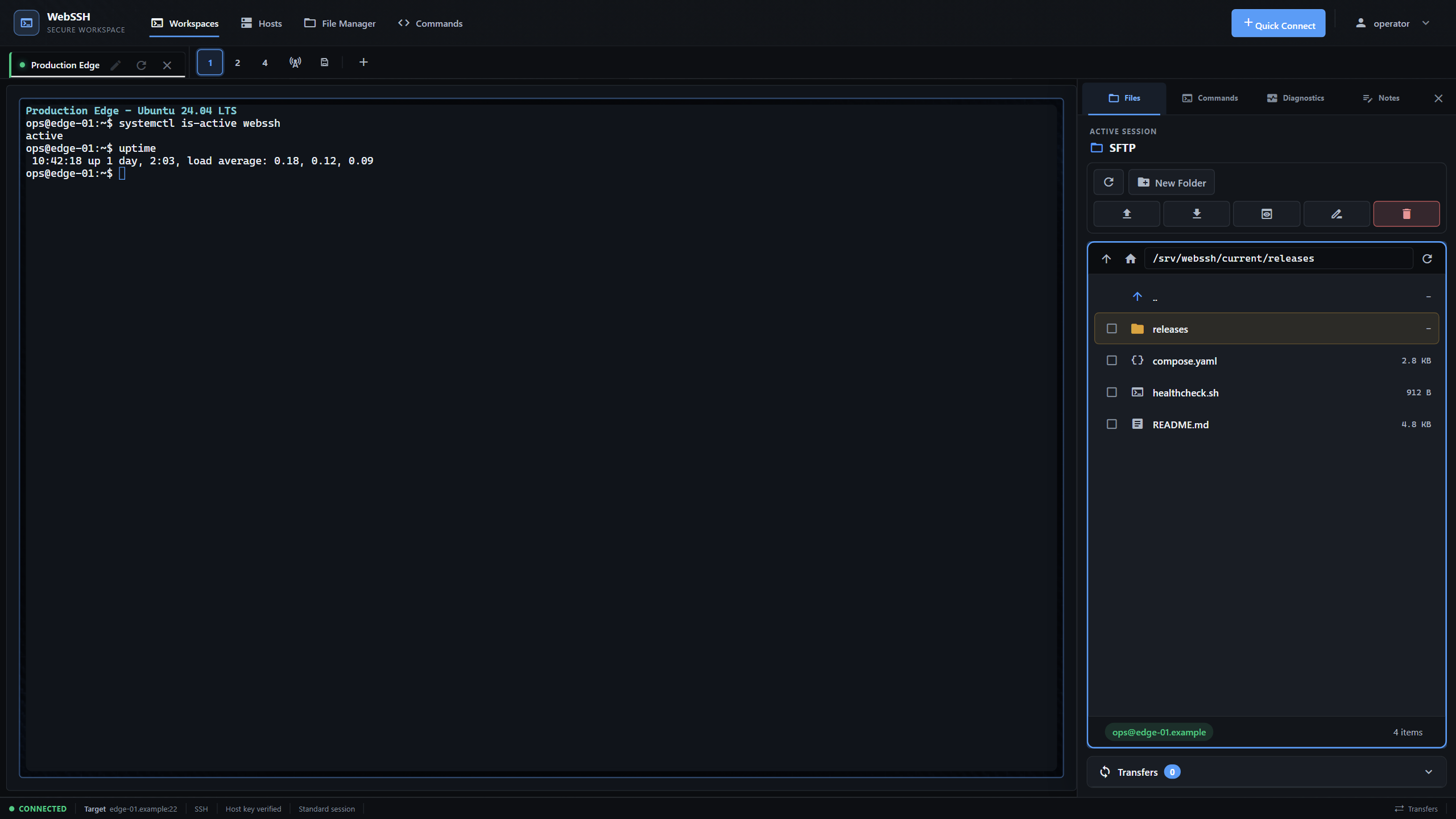
Work across tabs and split panes, or focus one Linux server with its terminal, live resource status, files, and notes together.
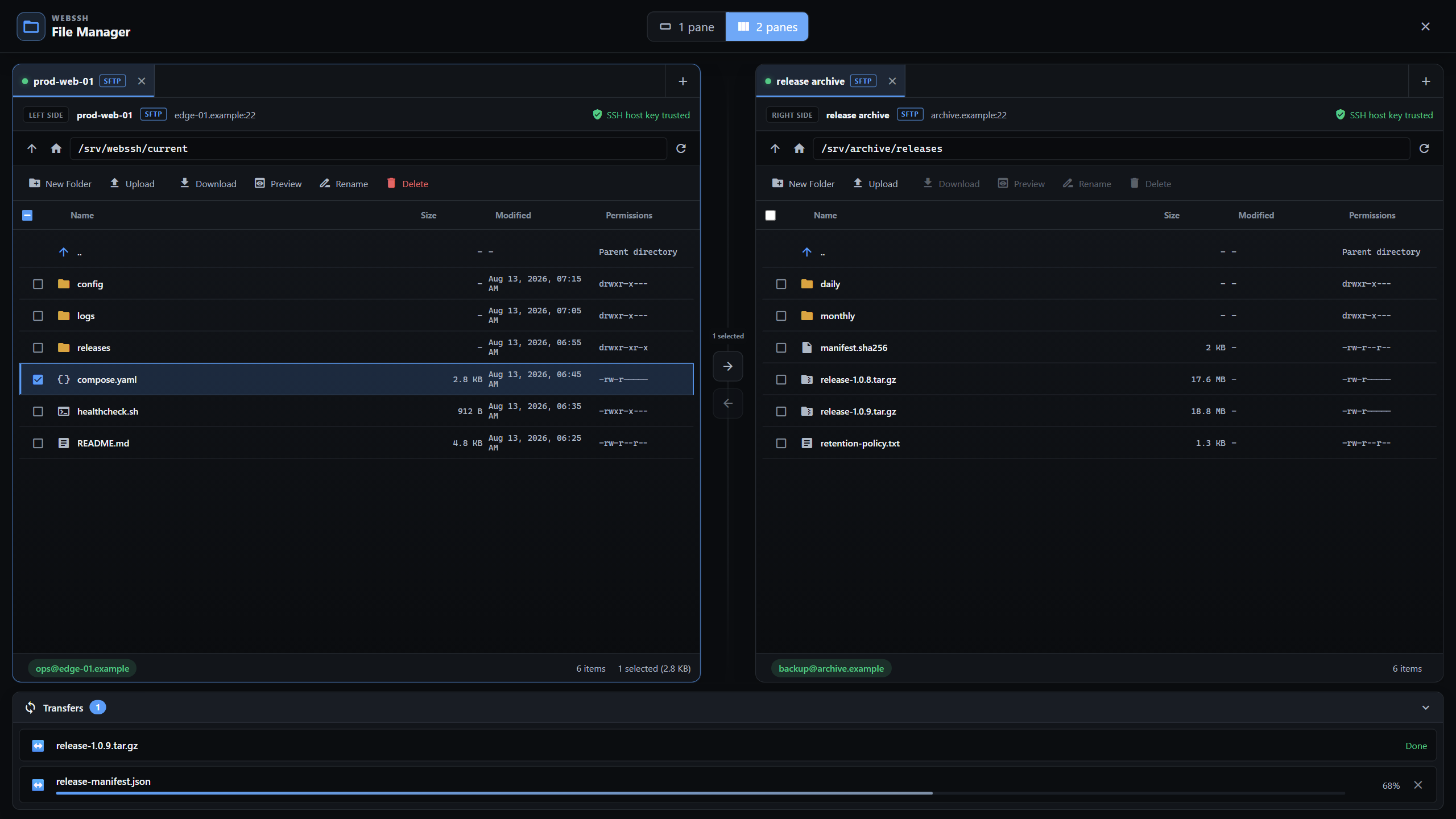
Open SFTP beside the active terminal or use the full dual-pane manager for previews, editing, and server-to-server transfers.
Use local accounts with bcrypt passwords, optional passkeys, recovery codes, or optional OpenID Connect with PKCE.
Manage users, review structured audit events, control registration, and create or restore verified backups.
One workspace
Keep one Linux terminal, its SFTP files, live resource status, and notes visible together. Switch to two or four SSH panes when the task needs more hosts.
Security by ownership
WebSSH runs inside your environment. Accounts, connection data, keys, audit events, and backups remain on the storage you control.
Read the security documentationStored SSH private keys use per-user key derivation and authenticated encryption.
Persistent host-key checks, session ownership guards, CSRF protection, rate limits, and security headers protect key boundaries.
Browser libraries are pinned and shipped with WebSSH. The product interface does not load a runtime CDN or send telemetry.
Architecture, honestly
WebSSH terminates browser sessions and opens SSH or SFTP connections to your targets. Live session and quota state is process-local, so the application must run with one worker.
Scale boundary: run exactly one application worker. Horizontal scaling requires externalizing live session and quota state first.
Quick start
Run the published container with a persistent data volume, then create the first administrator at http://localhost:5000.
Do not expose a fresh, unclaimed instance to an untrusted network. Complete the first-account bootstrap before publishing it.
docker run -d \
  --name webssh \
  -p 5000:5000 \
  -e CORS_ORIGINS=http://localhost:5000 \
  -v webssh_data:/app/data \
  --restart unless-stopped \
  ghcr.io/bifrost0x/webssh:latest
Run it your way